GTA Liberty City & Vice City Stories for Android
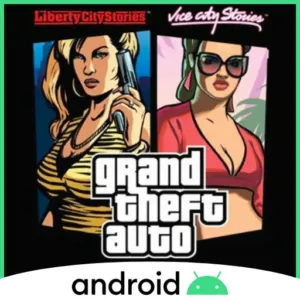
Grand Theft Auto: Liberty City Stories and Grand Theft Auto: Vice City Stories are open-world action-adventure games set in the Grand Theft Auto universe.
Liberty City Stories follows Toni Cipriani in Liberty City, while Vice City Stories follows Vic Vance in Vice City.
Both games combine story missions, driving, exploration, combat and side activities.
github.com
We do not host any files. The download links go to the project's official pages.
- Port version
- 0.3.1
- Android requirement
- Android 13+, ARM64 and Vulkan 1.3
- Size (project page)
- 12 MB
- Needs game files
- Yes, from a copy you own
- Last tested
- Tested on
- OnePlus 13, Android 16
- Platforms
- PlayStation 2
Works. It is best rendered on newer Adreno GPUs,
Tested by us on November 19, 2026
Short answer
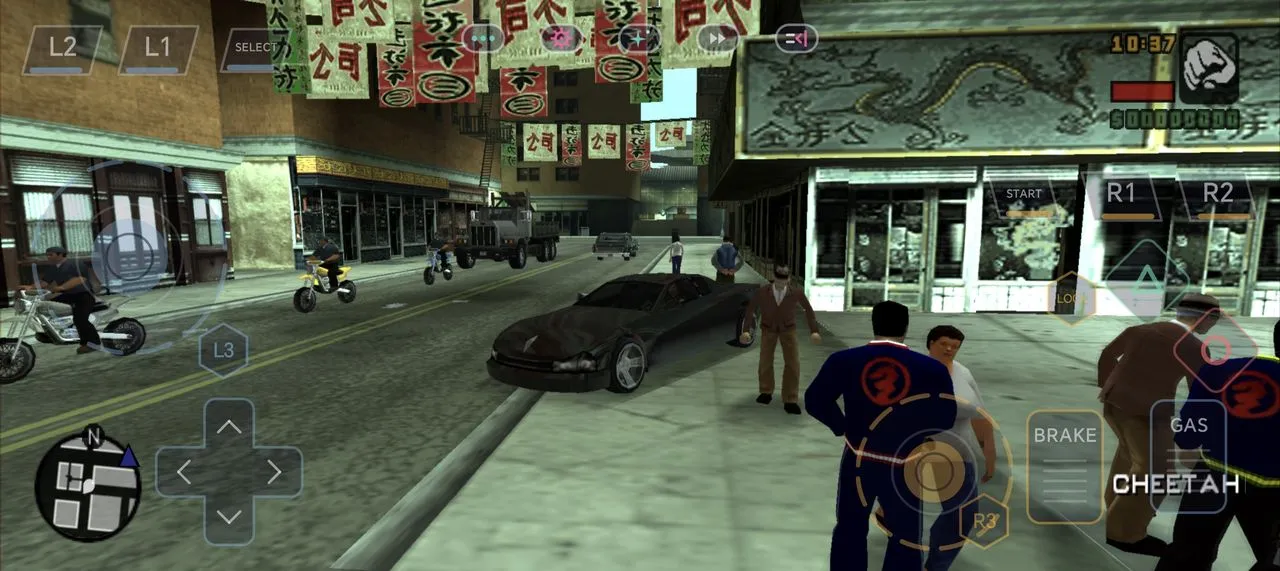
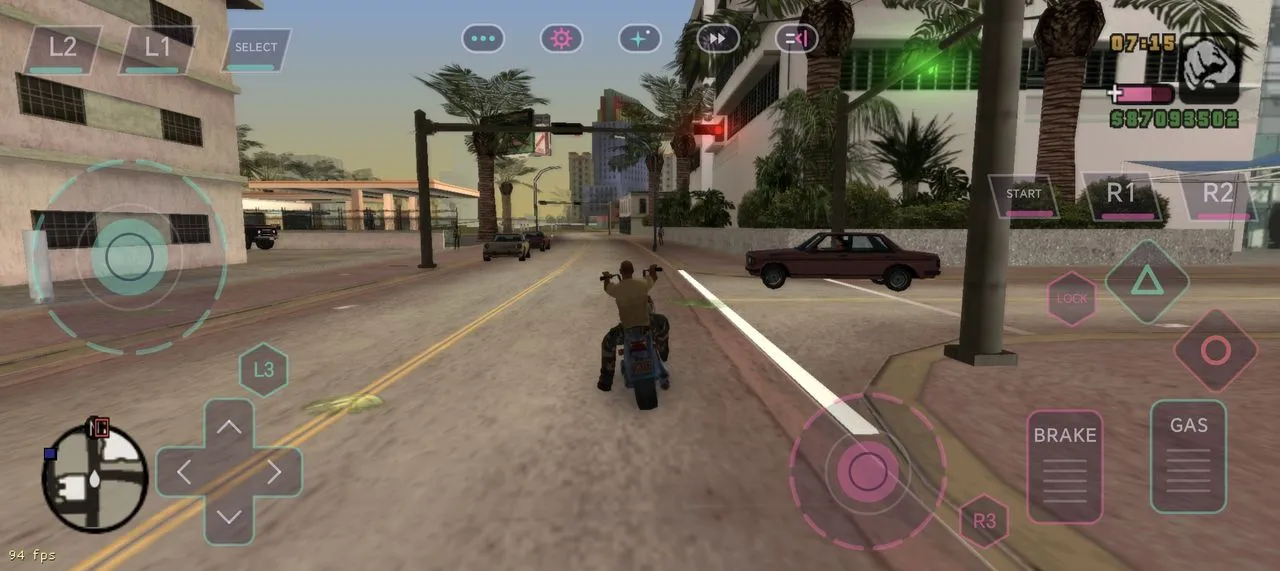
GTA Stories Recompiled is a native port project that brings the PlayStation 2 versions of Liberty City Stories and Vice City Stories to Android through static recompilation. Both games reach gameplay on a project test phone. You need Android 13+, ARM64, Vulkan 1.3 and your own supported PS2 disc image.
What is GTA Liberty City & Vice City Stories for Android?
GTA Stories Recompiled is an unofficial project by batinium for Grand Theft Auto: Liberty City Stories and Grand Theft Auto: Vice City Stories. It is based on the PS2 versions of the games and builds on gothamor’s Vice City Stories recompilation and ran-j’s PS2Recomp recompiler and runtime.
A native port runs a game’s code on the target platform rather than running the original console through a conventional emulator. This project uses static recompilation of the PS2 game code. On Android, the app provides separate Liberty City Stories and Vice City Stories options. The APK does not include either game: each title needs its own game library, also called a code pack, generated from the corresponding disc image.
The Android app includes touch controls and supports switching between the two games in one app. The project reports that both titles reach gameplay on a test phone, but several Liberty City Stories features remain unchecked on a phone. The combined mode that connects both cities is a separate prototype and has not been tested on an Android device.
What you need to run GTA Liberty City & Vice City Stories for Android
Needs your own game files. This port does not include the game's data. You need files from a copy you own: A PS2 disc image (.iso) of the USA release of Liberty City Stories (SLUS-21423), Vice City Stories (SLUS-21590), or both..
- A phone or tablet on Android 13+, ARM64 and Vulkan 1.3 (as stated by the project)
- Controller support: not stated by the project. The Android app has built-in touch controls.
- Android 13 or newer, an ARM64 device and Vulkan 1.3 support.
- A recent Adreno GPU is recommended. Other GPU families are untested in the supplied documentation.
- Allow about 3 GB of free storage per game.
- On-phone code pack building is experimental and needs 6 GB or more RAM and about 1 GB of temporary free storage.
- The first on-phone build downloads Termux clang/lld once, about 70 MB, and takes 5 to 30+ minutes.
- Keep the phone charging during an on-device build. This build method has only been tested in an Android emulator, not on a real phone.
- Alternatively, build the code pack on a PC and import it into the Android app.
Where to get GTA Liberty City & Vice City Stories for Android
The port: The port itself costs nothing and is open source (GPL-3.0).
The game: The USA PlayStation 2 release of Liberty City Stories (SLUS-21423), Vice City Stories (SLUS-21590), or both. The PSP versions cannot be used.
- Port version
- 0.3.1
- Size (project page)
- 12 MB
- Needs game files
- Yes, from a copy you own
- Android requirement
- Android 13+, ARM64 and Vulkan 1.3
- Last tested
We do not host any files. These links go to the project's official pages.
How to set up GTA Liberty City & Vice City Stories for Android on Android
- Open the official GTA Stories Recompiled releases page and download the Android APK.
- Install the APK. If Android blocks installation, allow installs from the browser or file manager you used.
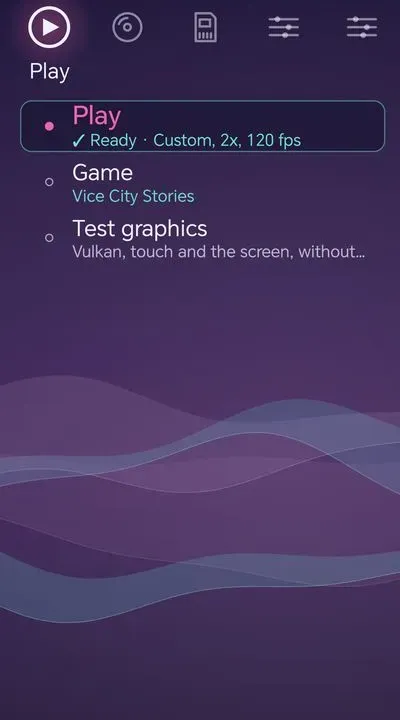
- Open the app and choose Liberty City Stories or Vice City Stories using the game switch at the top.
- Select the option to provide the matching PS2 disc image.
- Follow the detailed guide on GitHub
- If you built the code pack on a PC, transfer it to the phone and use Disc > Import game library.
- Select the game and start it. Repeat the disc and code pack process for the other game if you want to play both.
Tested on our device
Works. It is best rendered on newer Adreno GPUs,
Known issues
| Problem | Fix |
|---|---|
| The combined two-city mode is a prototype on Android and may cause crashes. | Use the separate Liberty City Stories and Vice City Stories options in the Android app. |
| Building a code pack directly on the phone is experimental and may take 5 to 30+ minutes. | Meet the stated RAM and storage requirements, keep the phone charging, or build the code pack on a PC and import it. |
GTA Liberty City & Vice City Stories for Android FAQ
How do I download GTA Liberty City & Vice City Stories for Android?
Download the Android APK from the project’s official releases page. Check the release assets to select the Android package
How do I install GTA Liberty City & Vice City Stories for Android?
Install the APK, open the app, select Liberty City Stories or Vice City Stories, then provide the matching PS2 disc image. Build the code pack on the phone or create it on a PC and import it with Disc > Import game library.
Can I play GTA Liberty City & Vice City Stories for Android on a mid-range phone?
The stated requirements are Android 13+, ARM64 and Vulkan 1.3, with a recent Adreno GPU recommended. The project reports that both games reach gameplay on a test phone, but does not identify that phone’s specifications. Performance on a particular mid-range device is therefore not confirmed.
How much storage does GTA Liberty City & Vice City Stories for Android need?
The project recommends about 3 GB of free storage per game. On-phone code pack building also needs about 1 GB of temporary free storage. The exact APK size is not stated in the supplied documentation.
Does GTA Liberty City & Vice City Stories for Android support controllers?
The Android app includes touch controls. The supplied Android documentation does not confirm Android gamepad support or controller remapping. Gamepad controls are documented for the PC build only.
Why does GTA Liberty City & Vice City Stories for Android crash on start?
First check that the device meets the Android 13+, ARM64 and Vulkan 1.3 requirements. Confirm that the correct USA PS2 disc image was used and that its code pack was built or imported successfully. If the issue continues, consult the project’s Android documentation and issue tracker.
Project credits and disclaimer
- Original game and platform
- Grand Theft Auto: Liberty City Stories (PS2 - 2006) & Grand Theft Auto: Vice City Stories (PS2 - 2007)
- Port project and maintainer
- GTA Stories Recompiled by batinium. Built on gothamor's gta-vcs-recomp and ran-j's PS2Recomp recompiler and runtime.
- License
- GPL-3.0
- Source repository
- github.com/batinium/gta-stories-recompiled
Grand Theft Auto, Liberty City Stories, Vice City Stories, their assets, characters, trademarks and other intellectual property belong to Rockstar Games and Take-Two Interactive. Android Native Ports is not affiliated with the project's developers, Rockstar Games or Take-Two Interactive. We do not host the original game files. Users must obtain the required game data separately. All trademarks belong to their respective owners. GTA Stories Recompiled is an unofficial fan project and should not be considered an official Android release of either game.
Page updated